图标编辑器 IcoFX v3.9.0 +汉化包
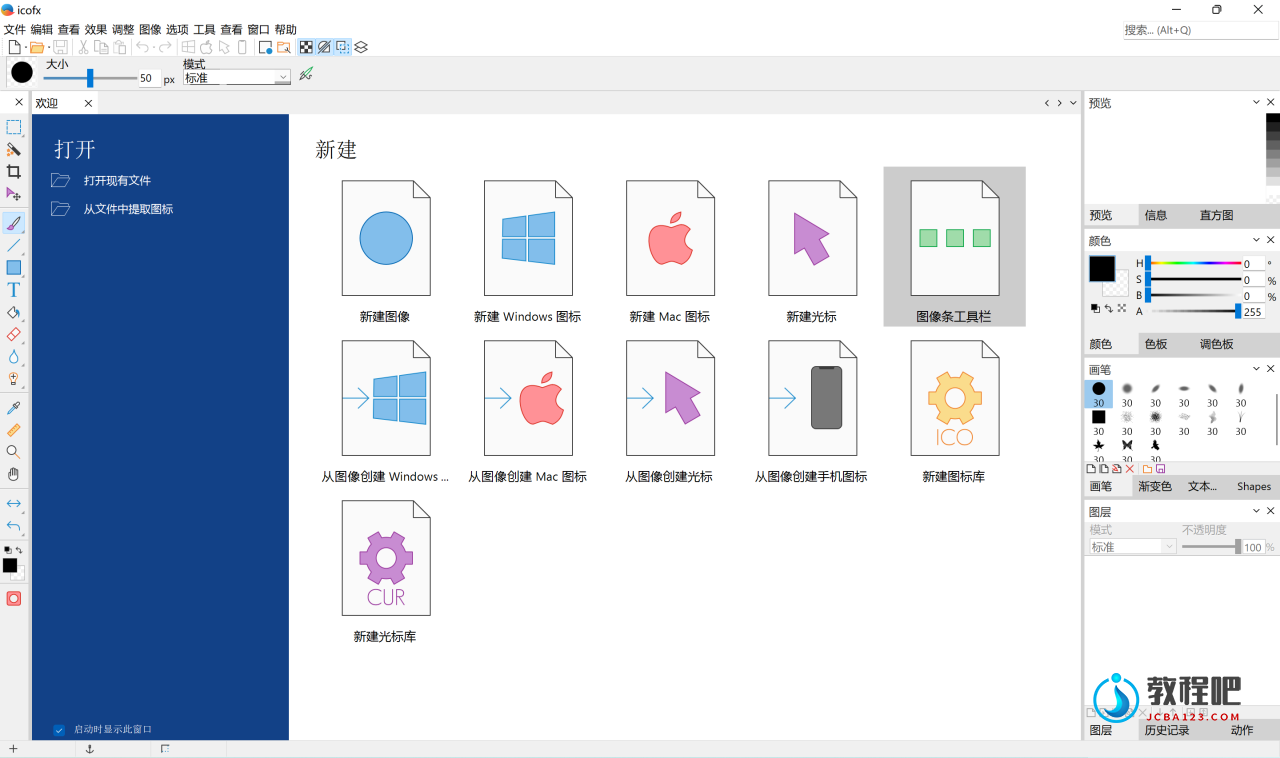
IcoFX 是一款图标编辑工具。可轻松创建Windows图标,可将您喜欢的图像转换为图标或图标转换为图像,内置40多个效果,具有强大的亮度、对比度、 饱和度、色调调整等工具。
* 支持 Windows XP / Win7 / Win10 图标和 PNG 压缩
* 超过 40 个效果和自定义滤镜
* 支持 256×256 分辨率
* 数据类型 2, 16, 256, 真彩色, 真彩色 + Alpha
* 从 32 位 exe 和 dll 中提取图标
* 导入和导出图像
* 透明、亮度、对比度、饱和度、色调调整工具

icofx
The only tool you will need to edit icons and cursors.
About icofx
Icofx is an award winning professional icon and cursor editor for Windows. It is an all-in-one solution for icon creation, extraction and editing. It is designed to work with Windows and Macintosh icons supporting transparency.
Create icons and cursors
Create icons for Windows and Macintosh. Support for Windows icons with resolution up to 1024×1024 with PNG compression. Convert your Macintosh icons to Windows icons and vice versa. Support for static and animated cursors. Create a favicon for your website or blog.
Import, export and extract
You can easily convert your favorite images into icons or cursors, or icons into images. Supported image formats SVG, BMP, PNG, JPG, JPG2000, TIF and GIF. You can extract icons from other files, including Windows Vista, Windows 7 and Macintosh files.
Advanced editor
Icofx features a full blown image editor with many useful tools. You can use different brush sizes, shapes, hardness, even blending modes when painting. With more than 40 effects at your fingertips, there’s virtually no limit to the icons you can create.
Image objects
Using pre-made image object icon creation has never been easier. You can combine the image objects in layer based images using icofx. It allows you to rearrange, blend layers and change their opacity.
Batch process files
You can easily work with multiple files using the batch processing capability of icofx (Business License). Create, convert, extract or export all your icons or cursors with just a few clicks.
Icon libraries
Icofx gives you the possibility to create and edit icon and cursor libraries using the built in resource editor. Using the resource editor you can also change icons inside exe files.
Home Page: http://icofx.ro
下载地址
图标编辑器 IcoFX v3.9.0 +汉化包
https://pan.quark.cn/s/a1e1f6a3864d
https://www.123pan.com/s/PjcA-5JRRA.html
http://ctfile.luochenzhimu.com/d/13552432-59723086-f7fbd0
https://pan.baidu.com/s/1GorGl9nMoHBUm8ribDPRvw?pwd=uxwn
官方下载:
安装版:http://icofx.ro/files/icofxsetup.exe
便携版:http://icofx.ro/files/icofx_portable.zip