PE查壳工具 Detect It Easy v3.09
Detect It Easy是一款PE工具箱,可以检测壳类型、编程语言以及其他PE信息,并且内置HEX/反汇编可以对代码进行简单的编辑。
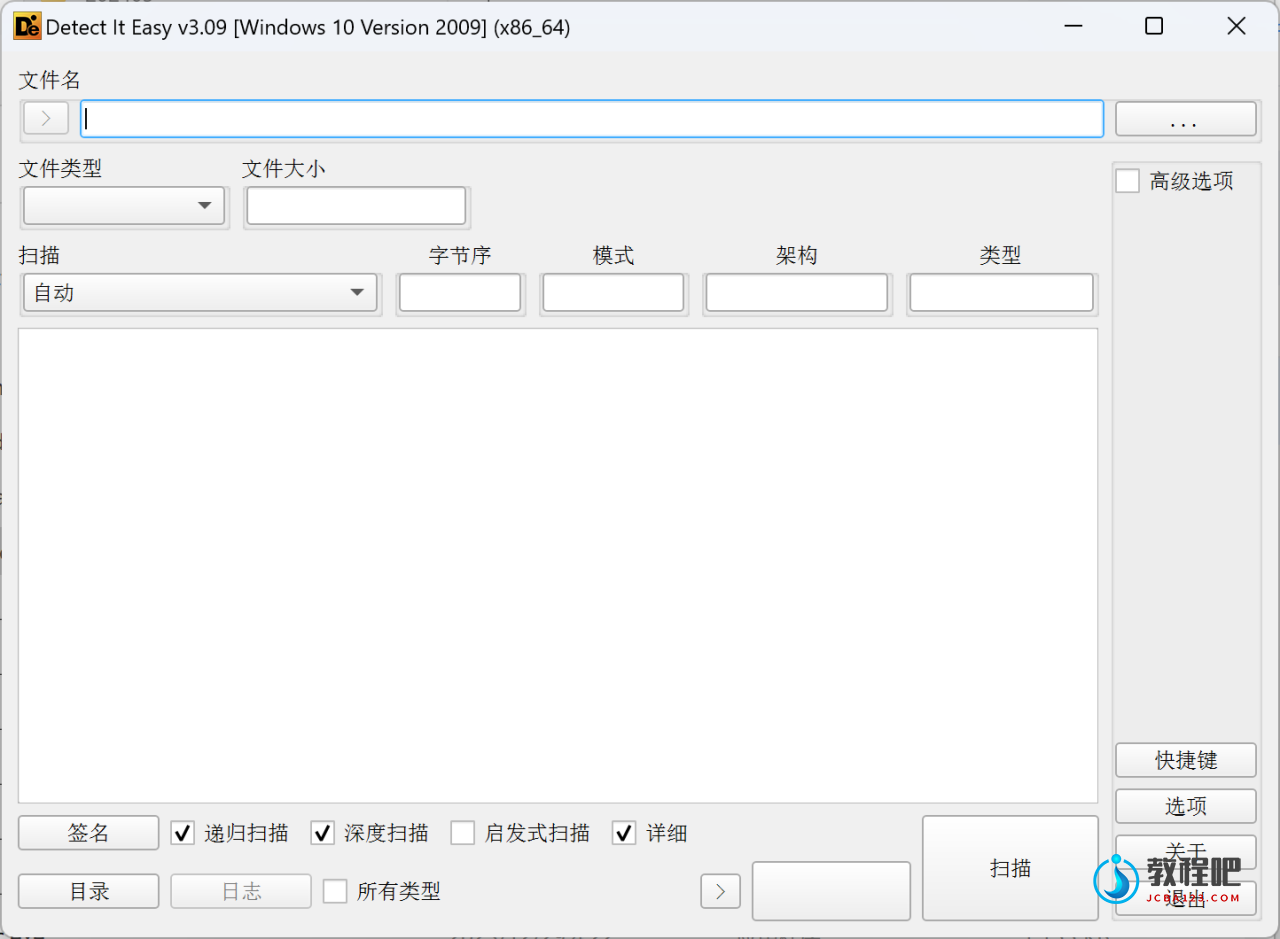
Detect It Easy
Changelog: https://github.com/horsicq/Detect-It-Easy/blob/master/changelog.txt
You can help with translation: https://github.com/horsicq/XTranslation
Detect It Easy, or abbreviated “DIE” is a program for determining types of files.
“DIE” is a cross-platform application, apart from Windows version there are also available versions for Linux and Mac OS.
Many programs of the kind (PEID, PE tools) allow to use third-party signatures. Unfortunately, those signatures scan only bytes by the pre-set mask, and it is not possible to specify additional parameters. As the result, false triggering often occur. More complicated algorithms are usually strictly set in the program itself. Hence, to add a new complex detect one needs to recompile the entire project. No one, except the authors themselves, can change the algorithm of a detect. As time passes, such programs lose relevance without the constant support.
Detect It Easy has totally open architecture of signatures. You can easily add your own algorithms of detects or modify those that already exist. This is achieved by using scripts. The script language is very similar to JavaScript and any person, who understands the basics of programming, will understand easily how it works. Possibly, someone may decide the scripts are working very slow. Indeed, scripts run slower than compiled code, but, thanks to the good optimization of Script Engine, this doesn’t cause any special inconvenience. The possibilities of open architecture compensate these limitations.
DIE exists in three versions. Basic version (“die”), Lite version (“diel”) and console version (“diec”). All the three use the same signatures, which are located in the folder “db”. If you open this folder, nested sub-folders will be found (“Binary”, “PE” and others). The names of sub-folders correspond to the types of files. First, DIE determines the type of file, and then sequentially loads all the signatures, which lie in the corresponding folder. Currently the program defines the following types:
- MSDOS executable files MS-DOS
- PE executable files Windows
- ELF executable files Linux
- MACH executable files Mac OS
- Binary all other files
Home Page: http://ntinfo.biz
Github:https://github.com/horsicq/DIE-engine/releases
下载地址
PE查壳工具 Detect It Easy v3.09
https://pan.quark.cn/s/94d90f150fa8
https://www.123pan.com/s/PjcA-75RRA.html
http://ctfile.luochenzhimu.com/d/13552432-60337537-3aea22
https://pan.baidu.com/s/10FIQl6MDxSvXpLFqfkjVIA?pwd=1nqg